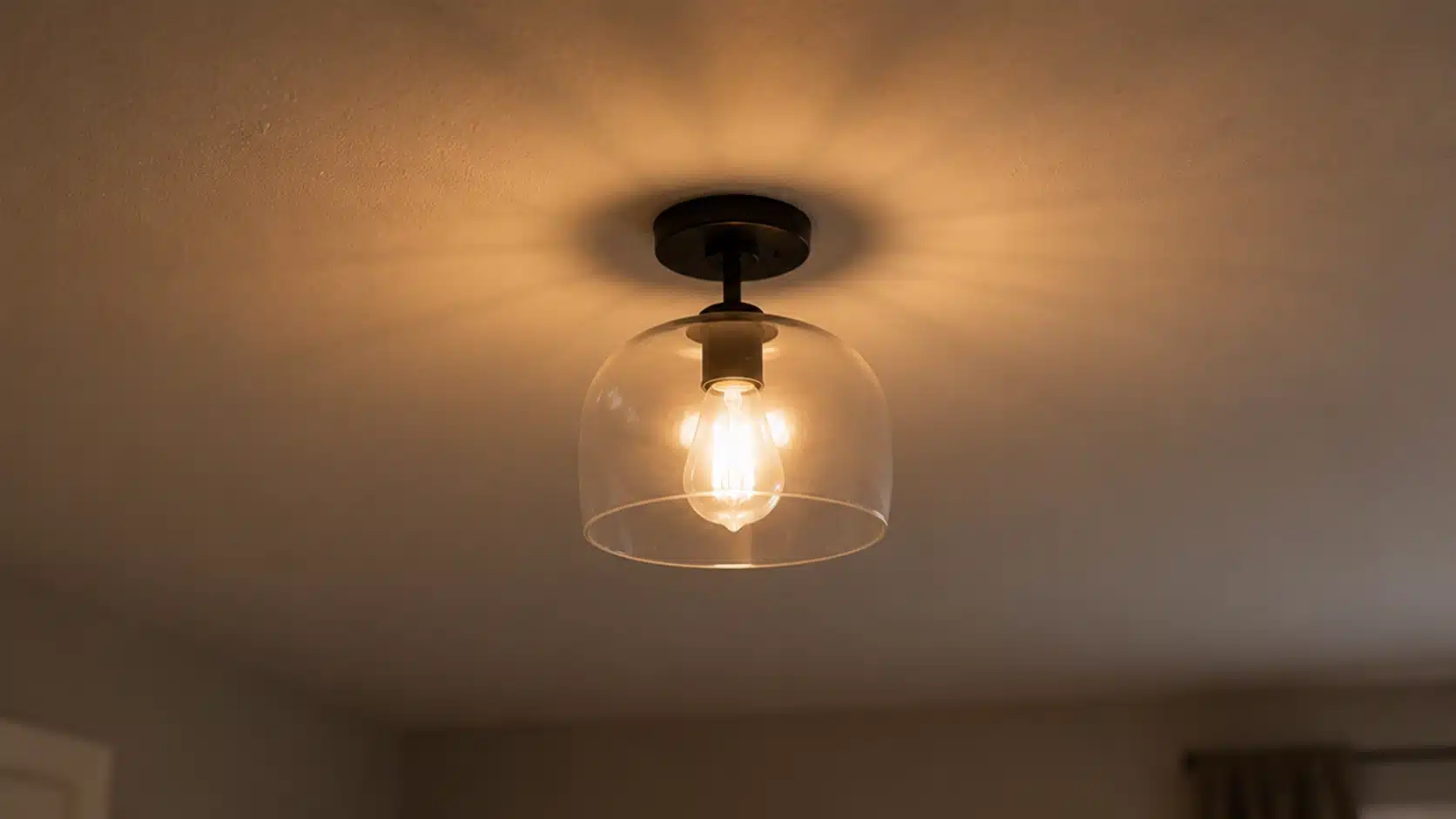
How to fix flickering lights is one of those home problems that start as a minor annoyance and quietly become a real source of worry. One moment, the kitchen light is doing its thing, and the next, it is blinking like something out of a low-budget thriller.
From my experience, the frustrating part is not the flicker itself, but not knowing whether you are dealing with a loose bulb or something that could burn your house down.
Below, I have laid out a descriptive guide to fixing flickering lights the right way: starting simple, knowing when to escalate, and understanding the difference between harmless and genuinely dangerous. The fixes are more straightforward than most people expect.
Common Causes of Flickering Lights
Before reaching for a screwdriver, it helps to understand what is actually going on behind your walls and inside your fixtures. Flickering lights trace back to a handful of causes, some trivial, some serious.
A loose or aging bulb is the most common culprit and the easiest to rule out; tighten it, replace it, and the problem is often gone in under two minutes.
Beyond that, you are looking at bulb-to-dimmer incompatibility (especially common with LEDs in older homes), loose wiring at the switch or fixture, and overloaded circuits pulling more current than the line was built for.
In rarer cases, voltage irregularities from the utility supply are the source, which sits entirely outside your home’s wiring. Some causes are purely mechanical and carry no safety risk.
Others signal electrical faults with real potential for fire. Knowing which category you are dealing with determines how urgently you need to act and whether a licensed electrician is required.
Patterns That Help Diagnose Your Flickering Issue
The pattern of your flicker is the fastest diagnostic tool available. What you see, when it happens, and which lights are affected, points directly to the cause. Here is how you can notice a pattern:
- Single light flickers, one bulb affected: The problem is almost always local, a bulb that has worked loose, a socket with worn contacts, or a bulb nearing the end of its life. Start here before checking anything else.
- Flickering when appliances start: Lights dipping when a refrigerator compressor, HVAC unit, or washing machine kicks on signals a voltage dip from inrush current, typically an overloaded circuit or undersized wiring on that branch.
- Flickering across a whole room or the house: Multiple fixtures affected simultaneously points to a loose connection at the main panel, a failing neutral, or a utility service feed issue. This is not a DIY repair situation.
- LED ghosting when the switch is off: A faint glow or pulse from an LED that is off usually indicates residual voltage in the circuit, caused by a switch wired to the neutral line or by a dimmer not rated for LED loads.
Each pattern narrows the problem to a specific part of the system. Match what you are seeing to the right category before opening any fixture or switch box.
How to Fix Flickering Lights Step by Step
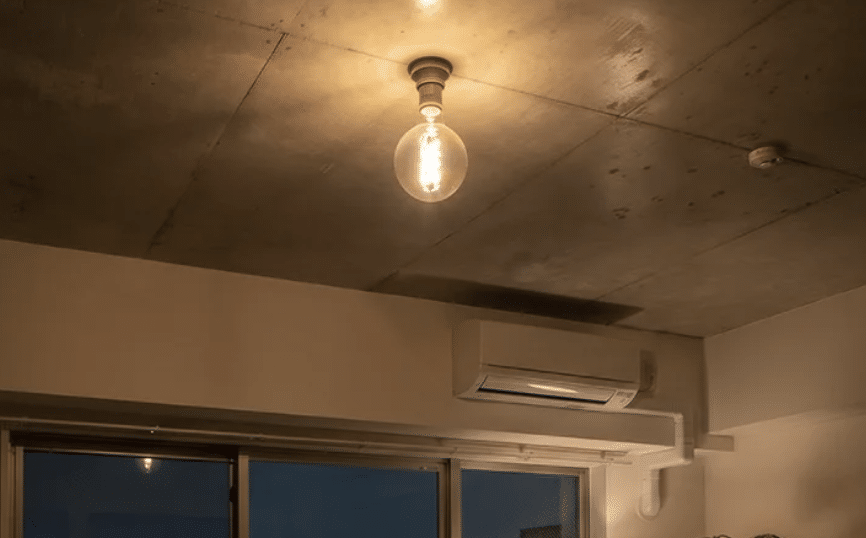
Work through these steps in order. Most flickering problems resolve within the first two or three, and the steps are arranged so that the safest, simplest fixes always come first.
Step 1: Start With the Bulb and Dimmer Compatibility
Turn off the light and let it cool before touching it. Grip the bulb firmly and turn clockwise until fully seated. A loose bulb connection is the most common cause of flicker. If tightening does not help, replace the bulb.
Also, cross-reference your dimmer model against the bulb packaging, as dimmers over ten years old cause flicker and buzzing with LED drivers. “Dimmable” on a bulb label does not guarantee compatibility with every dimmer switch.
Step 2: Test the Switch and Socket
Gently press the switch without fully toggling it. If flicker increases on contact, the internal contacts are worn, and the switch needs to be replaced. Turn off the breaker, then check the socket contacts for corrosion or carbon deposits.
Dark discoloration or powdery residue around contact points indicates the socket needs to be replaced before the problem becomes a safety concern.
| Caution: Always confirm the breaker is off with a voltage tester before touching anything inside the box. |
Step 3: Inspect Wiring and Circuit Load
Turn off the breaker and confirm it is dead with a voltage tester. Give each wire a firm tug; a properly secured wire will not move. Pay close attention to loose neutral connections, as they can cause erratic flicker.
Also, check whether a refrigerator, microwave, or washing machine shares the circuit, as an overloaded circuit is a frequent and overlooked flicker cause. Melted or damaged wire insulation means stop immediately and call a licensed electrician.
Step 4: Check for Electrical Panel Issues
If flickering spans multiple rooms and no previous step identified the cause, the problem is likely at the main electrical panel. Look for scorch marks, corrosion, or a breaker that feels warm to the touch.
Do not attempt to tighten connections inside the panel, as the main lugs remain live even with every breaker switched off. Redistribute heavy appliance loads across circuits as a first measure before suspecting the panel.
If the panel check comes back clean and the flicker has stopped after working through these steps, the fix is complete, and your lights should now run consistently without further intervention.
| Note on Professional Help: Steps one and two are safe for most homeowners. From step three onward, working with wiring and panels carries real risk. If the flicker persists after step two, or if you notice any signs of heat, burning, or damage inside a box or panel, the right call is to a licensed electrician, not another DIY attempt. |
Special Case: Flickering LED Lights
LEDs handle power differently from incandescent bulbs, and that difference creates flicker scenarios that do not apply to older bulb types. Three specific failure patterns occur repeatedly in LED installations.
| LED Flicker Type | Cause | Fix |
| Flickers more than incandescents | LEDs react to voltage changes instantly; any circuit inconsistency is immediately evident. | Check for loose connections, incompatible dimmers, or overloaded circuits. |
| Irregular flicker, worse at startup | A failing built-in driver that regulates current, degrading over time. | Replace the bulb. The driver is not separately serviceable. |
| Ghosting: faint glow when off | Residual voltage from a switch wired to neutral, or a smart switch drawing standby power. | Try a different LED model or rewire the switch to the live leg. |
If your LED issue does not match a standard dimmer or wiring problem, the table above gives you the three most likely explanations. Matching the symptom to the right cause cuts diagnostic time significantly and avoids unnecessary part replacements.
Community Discussion: What is Your Flickering Story?
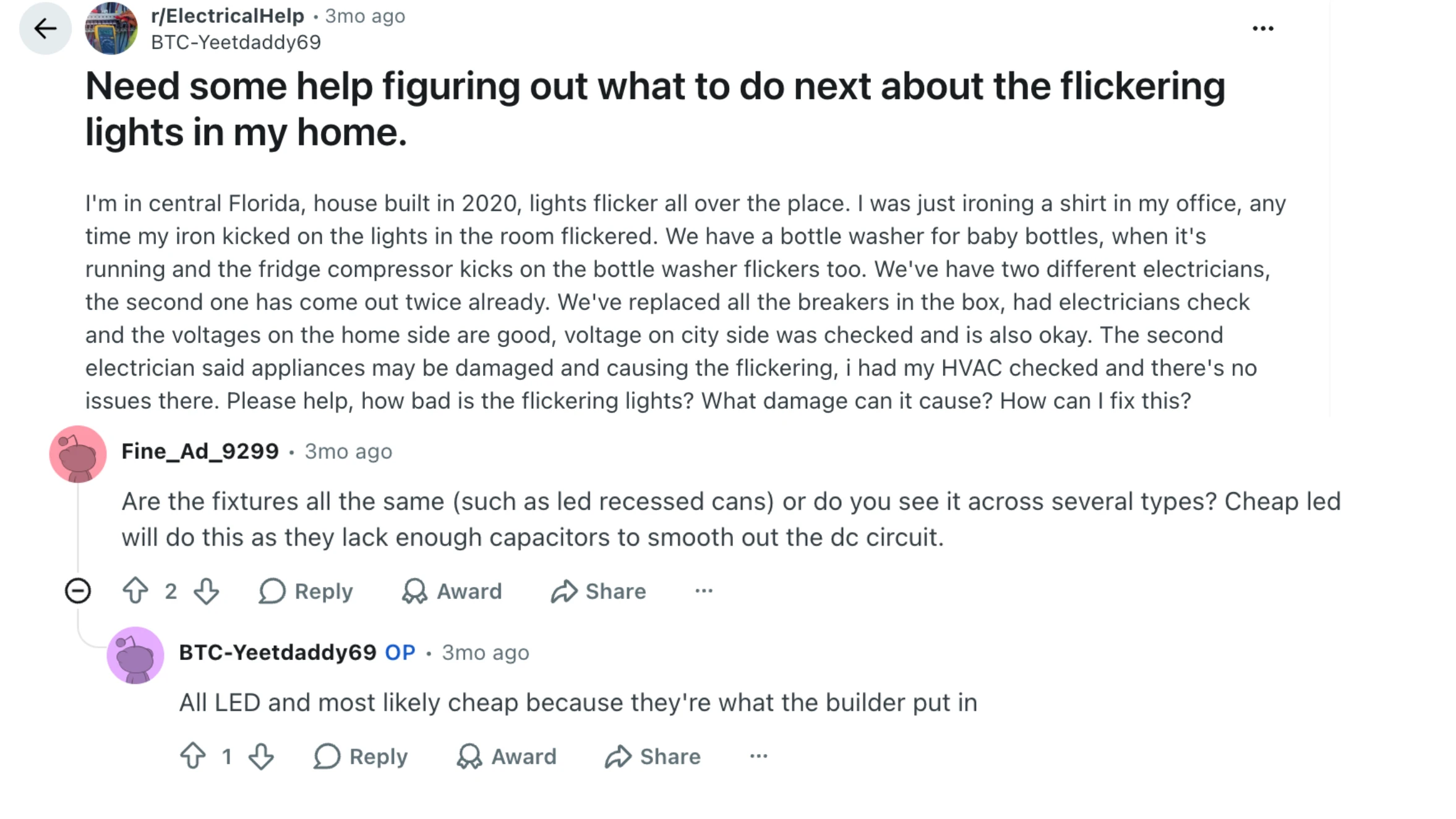
A chat on Reddit’s r/ElectricalHelp recently brought together homeowners comparing notes on flickering lights, and the range of situations described made one thing clear: the same symptom rarely has the same cause twice.
Bulb type, dimmer brand, wiring age, and circuit load all significantly shift the diagnosis. One commenter flagged LED ghosting after switching to smart dimmer switches as a recurring point of confusion; the faint glow when a light is “off” does not match what a working system should do.
Another user noted that flickering tied to appliance startup is constantly misread as a fixture fault when the real culprit is an overloaded circuit. Early fixes, like checking bulb and dimmer compatibility, are manageable for most people.
Anything involving wiring or panels, commenters agreed, belongs with a licensed electrician. Drop your specifics in the comments for more targeted input.
Safety Signals: When Flickering is a Serious Risk
Most flickering is annoying rather than dangerous. But certain patterns cross the line from nuisance into genuine risk. Knowing which signals to take seriously can be the difference between a repair call and an emergency:
- Flickering with buzzing, heat, or a burning smell: This combination points to arcing, where electricity jumps across a gap in a damaged connection. Arcing is a leading cause of electrical fires. Turn off the circuit at the breaker immediately and call an electrician before using the fixture again.
- Visible burn marks or discoloration: Black marks inside a switch plate, around a socket, or on wire insulation are not cosmetic. They indicate that arcing or overheating has already occurred, and the connection is compromised.
- Widespread flicker across circuits: Whole-home flickering not tied to appliance startup points to panel faults, main neutral problems, or service irregularities. None of those are fixable with household tools.
- Flickering that worsens over time: A fault that starts occasionally and becomes more frequent is worsening, not stabilizing. The more the pattern intensifies, the shorter your repair window should be.
These are the scenarios where stopping the diagnosis and calling a licensed electrician is the right move. A worsening pattern or any sign of heat and burning near a fixture means the clock is already running.
Frequently Asked Questions
How do you stop your lights from flickering?
Start with the simplest fix: tighten or replace the bulb. If that does not resolve it, check dimmer compatibility, inspect the switch, and look for loose wiring at the fixture. Most flickering stops within the first two or three checks.
Do flickering lights indicate an electrical problem?
Not always. A single flickering bulb is usually a bulb or socket issue. Widespread flickering, flickering with buzzing or heat, or flicker tied to a burning smell are signs of a wiring or panel fault that needs professional attention.
Can LED flickering cause eye strain or migraines?
Yes. High-frequency flicker that is not visible to the eye can still affect sensitive individuals, causing headaches, eye strain, and, in some cases, migraine onset. Switching to a high-quality LED with a flicker-free driver rating significantly reduces this risk.
How long can a light flicker before being unsafe?
A brief, occasional dip is usually harmless. Persistent flicker, especially if it is becoming more frequent or is accompanied by other symptoms such as heat or buzzing, should be investigated and repaired promptly rather than monitored.
Final Thoughts
Flickering lights are rarely the mystery they feel like in the moment. Start with the bulb, work through the switch and wiring, and let the pattern guide you toward the right level of repair.
The step-by-step process for fixing flickering lights covered here is designed to keep the work proportional to the actual problem: simple fixes first, professional help when the signals call for it.
The cases that matter most are the ones with buzzing, heat, or widespread flicker across the home. Those are not inconveniences to manage around; they are warnings.
Everything else, from a loose LED to a mismatched dimmer, is something most people can handle with basic tools and a turned-off breaker. Drop a comment below and let me know if you fixed your lights.