Setting up the perfect home workspace for online ESL teaching means investing in all the essential equipment while minimising unwanted distractions.
Remote working is allowing more people than ever before to reap the benefits of working from home, and one of the top career paths for those who are eager to enjoy the homeworking lifestyle is ESL or TEFL teaching.
English as a Second Language or Teaching English as a Foreign Language is not only a rewarding choice, but it also opens the door to a huge amount of flexibility when it comes to selecting your preferred hours, workplace and schedule.
Once you have your TEFL certificate from a reputable organisation like The TEFL Org, you can start teaching English from home online, but the key to success lies in creating a work environment that is conducive to concentration and focus, as well as suitably equipped to accomplish all your essential teaching tasks with ease.
How Do I Choose The Right Environment?
Choosing the right environment is the first step to setting up the ideal home workspace as a TEFL professional, by considering lighting, noise levels and potential distractions.
Here are some considerations to keep in mind:
- Privacy.
- Noise.
- Background.
- Lighting.
Keeping It Private
When you’re teaching, it’s important to maintain the privacy of your students at all times. Choosing a separate room that only you will be occupying is the best solution, but if you need to base yourself in a public space, make sure you angle your screen away from any other occupants and use a headset so nobody else can hear your students speaking.
Quiet Spaces
When you’re teaching online, you’ll need to ensure the environment is as quiet as possible so your learners can hear the classes that you’re delivering. Whenever possible, choose a room that has a door that you can close to minimise any external noises.
It’s also a good idea to try to find a room away from any high-traffic zones and out of earshot of loud road noises or other outdoor sounds such as children playing or dogs barking.
Neutral Background
Both you and your learners need to focus and concentrate throughout each lesson, and part of that involves choosing the right backdrop.
One of the things you’ll learn when you take a TEFL course through a reliable organisation like The TEFL Org is the importance of both you and your learners being able to focus and concentrate throughout each lesson. Part of that involves choosing the right backdrop. This will ensure that no one is distracted by clutter or busy activity behind you while you teach.
A plain coloured wall in a light colour, such as cream or white, would be an ideal choice, but if this isn’t possible, your surroundings could easily be hidden by using a virtual background or green screen.
Get The Lighting Right
Your students need to be able to see you clearly during your lessons, and you need to be able to see them, too. That means you need to consider lighting carefully. You don’t want bright lights shining on your screen, affecting your vision, but you also need to ensure that there are no shadows falling on your face, obscuring your learners’ view.
Positioning your primary light source correctly is crucial. Place it behind the screen in front of you for the best results. While natural lighting from a nearby window would be ideal, an alternative is a ring light or even a standard desk lamp positioned at an angle.
Which Equipment Will I Need?
You’ll need a strong internet connection, a headset equipped with a microphone, a webcam and, of course, a laptop or PC to begin teaching English as a foreign language from home.
As you’ll be delivering your classes online, the two most important things you’ll need are a computer or PC and a strong internet connection. While a cheap model may seem appealing, bear in mind that you’ll be using your technology daily, so it makes sense to invest in a device that is robust enough to withstand the test of time and powerful enough to meet the demands of virtual teaching.
To ensure the best quality sound as well as maximum privacy, investing in a noise-cancelling headset that is equipped with a microphone is sensible. This will guarantee clarity of sound while also minimising echoes.
As you’ll need to see your students and they’ll need to see you too, you’re also going to need a webcam. Your PC or laptop may come with a camera built in, but if not, you’ll require an external 1080p USB webcam too.
Which Furniture Should I Buy?
You can keep your furniture requirements to a minimum with simply a desk and chair to get yourself started with online English teaching.
You’ll need a desk to keep your PC or laptop at the right height for lesson delivery. Depending on its size, you may require a laptop stand too, which will ensure good eye contact without undue neck strain.
A comfortable chair that doesn’t squeak and that offers the function to adjust its height will put the final touch on the basics.
If you wish to add extra elements to your virtual classroom to improve your TEFL teaching experience, you could invest in a whiteboard, flashcards, posters, or even props like puppets to reinforce your learning objectives.
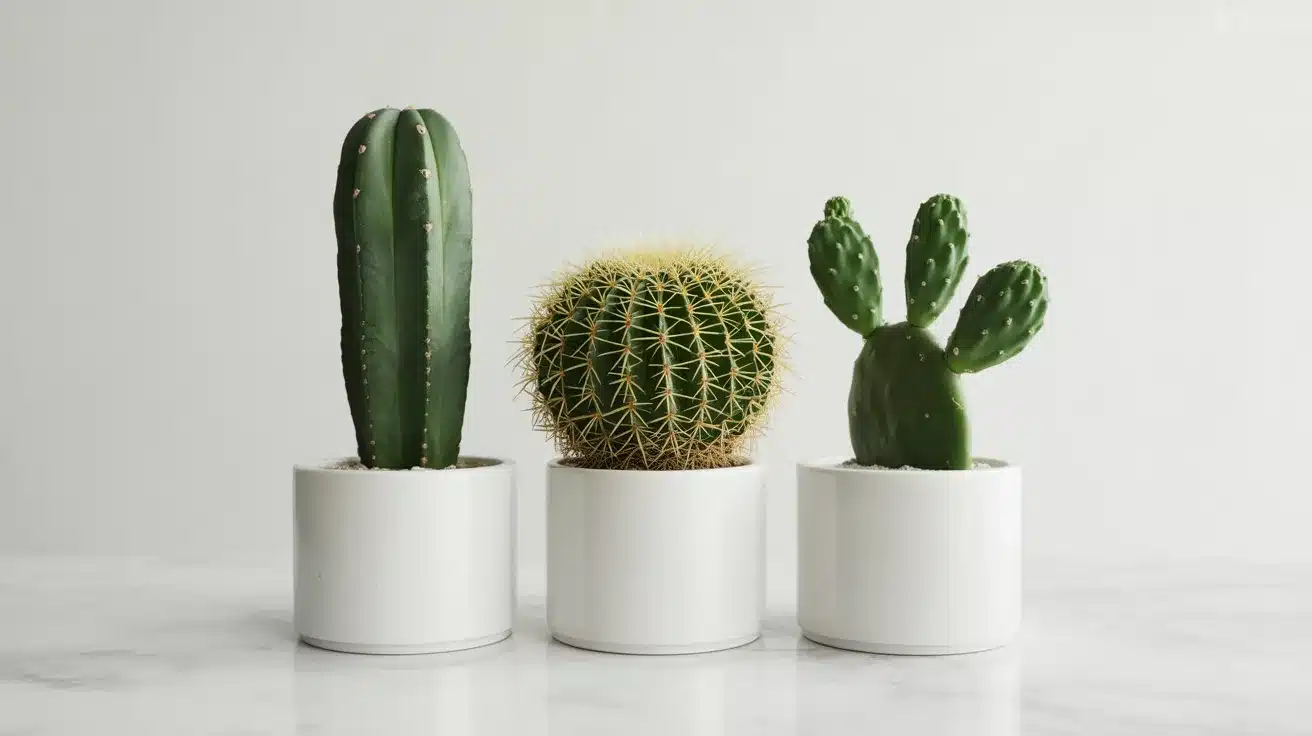
Just because you’re working from home doesn’t mean you don’t need to focus on your physical and mental health, either. In fact, it’s more important than ever to think of ways to keep your mind and body in good shape when you’re not heading out to a physical workplace every day. Adding some indoor plants to your workspace décor is a great way not only to bring some colour into your room, but also to improve your health and wellbeing.
Now that you know how to set up the perfect home workspace for online ESL teaching, there’s nothing to hold you back from enjoying the remote working lifestyle. The TEFL Org should be your first port of call to obtain your TEFL certificate so you can embark on your new and exciting virtual English teaching career.